

Once you have created an account at and made your first deposit, the next step is placing a bet on your favourite game or sport. This step-by-step guide will help you learn the quickest way of placing your bets at Cloudbet. Here is how you need to go about it!
Content
STEP 1
Go to the Cloudbet official website and hit the “SIGN IN” button at the top right
STEP 2
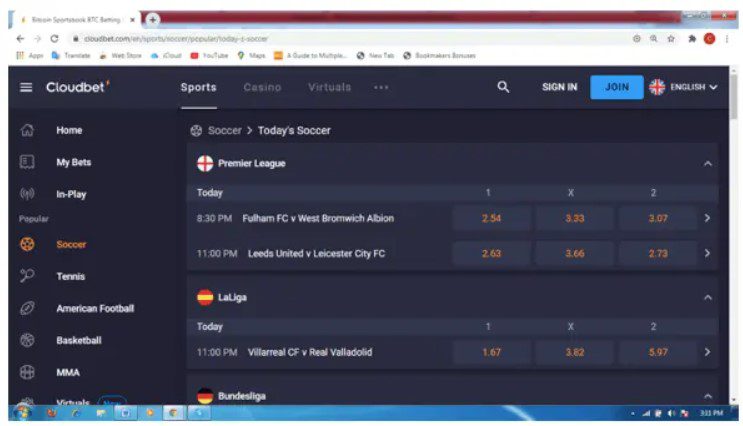
At the top-most part of the screen is the main navigation bar displaying the sports section and casino. If you are a sports enthusiast, click on “Sports” button to view the available options on the left side.

STEP 3
Once you find your favourite sport, you can click on it to view the available events and markets. For instance, selecting soccer displays all matches including in-play events at the middle section of the screen.
Step 4
Navigate around different leagues and competitions to find a match. Make your selection by clicking your preferred odds and lastly enter the stake amount.
Step 5
All your selections are added to your bet slip as singles bets or Parlays.

Step 6
Lastly, ensure that you have entered the right stake amount and that you have backed the right teams. Hit the “PLACE BET” button and wait for the results.